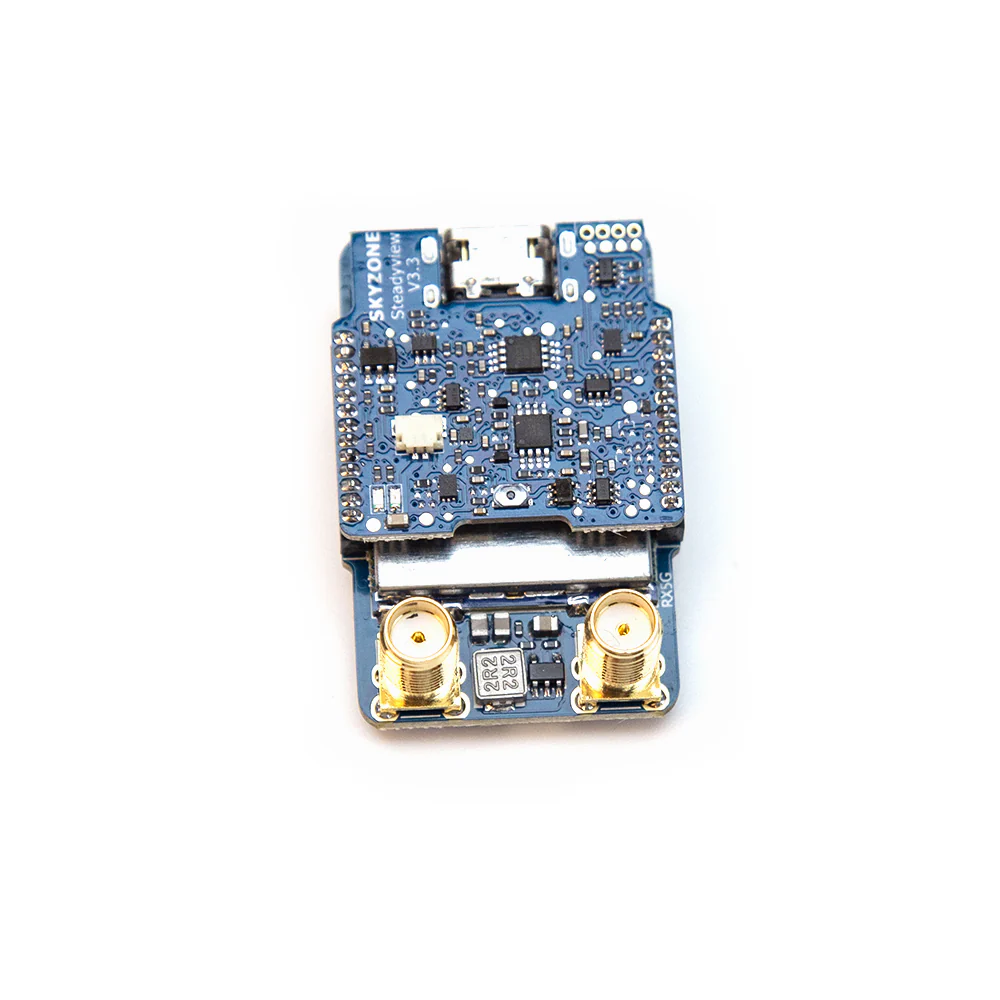
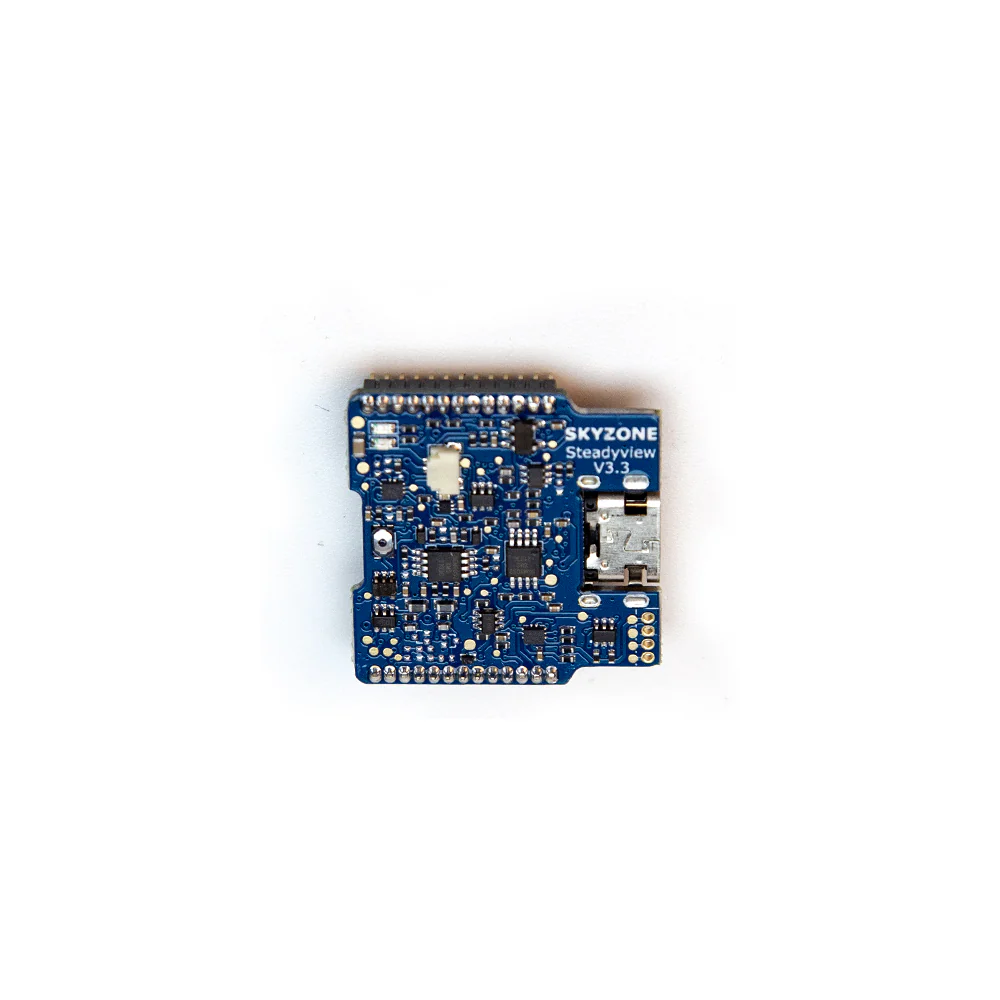
SKYZONE TX2500 4.9G/5.8G 2.5W 56 CH L.X Band VTX
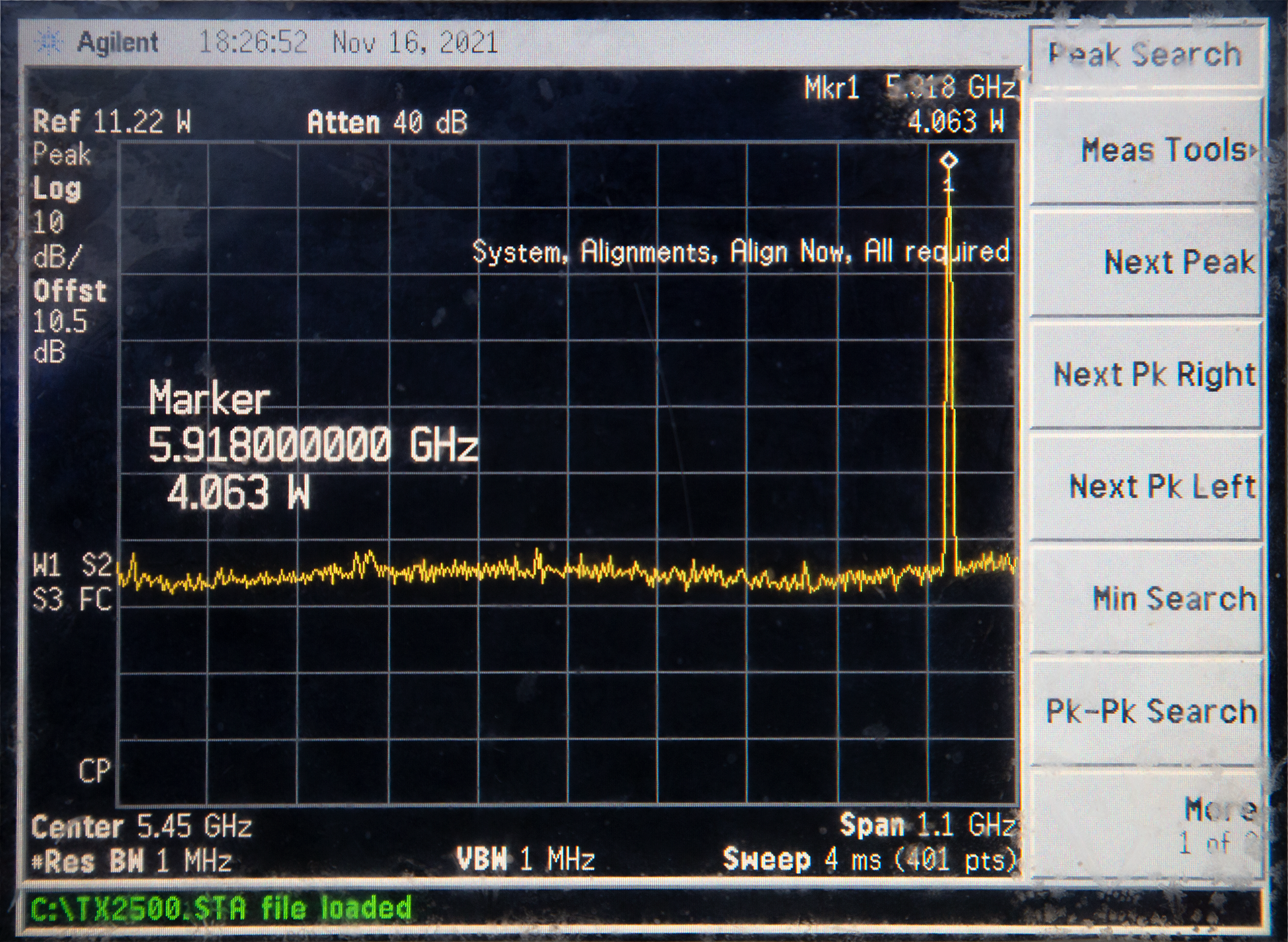
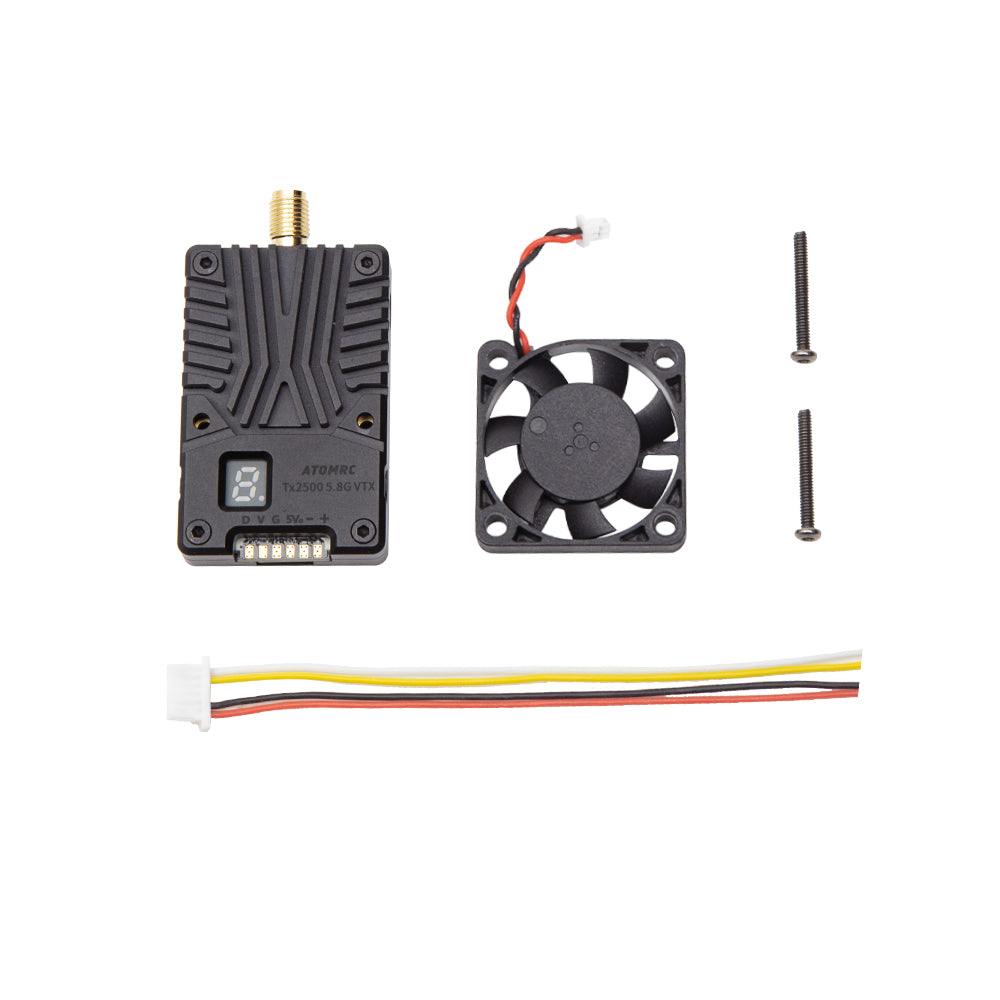
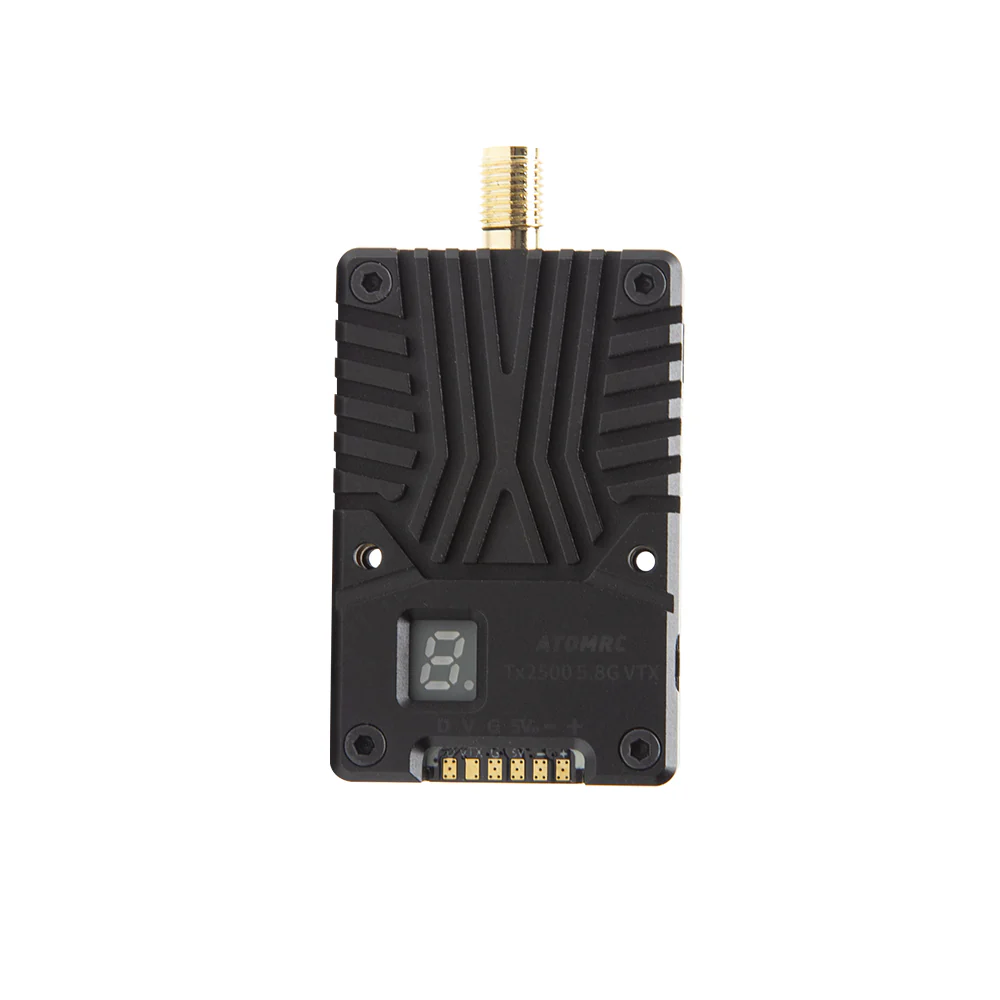
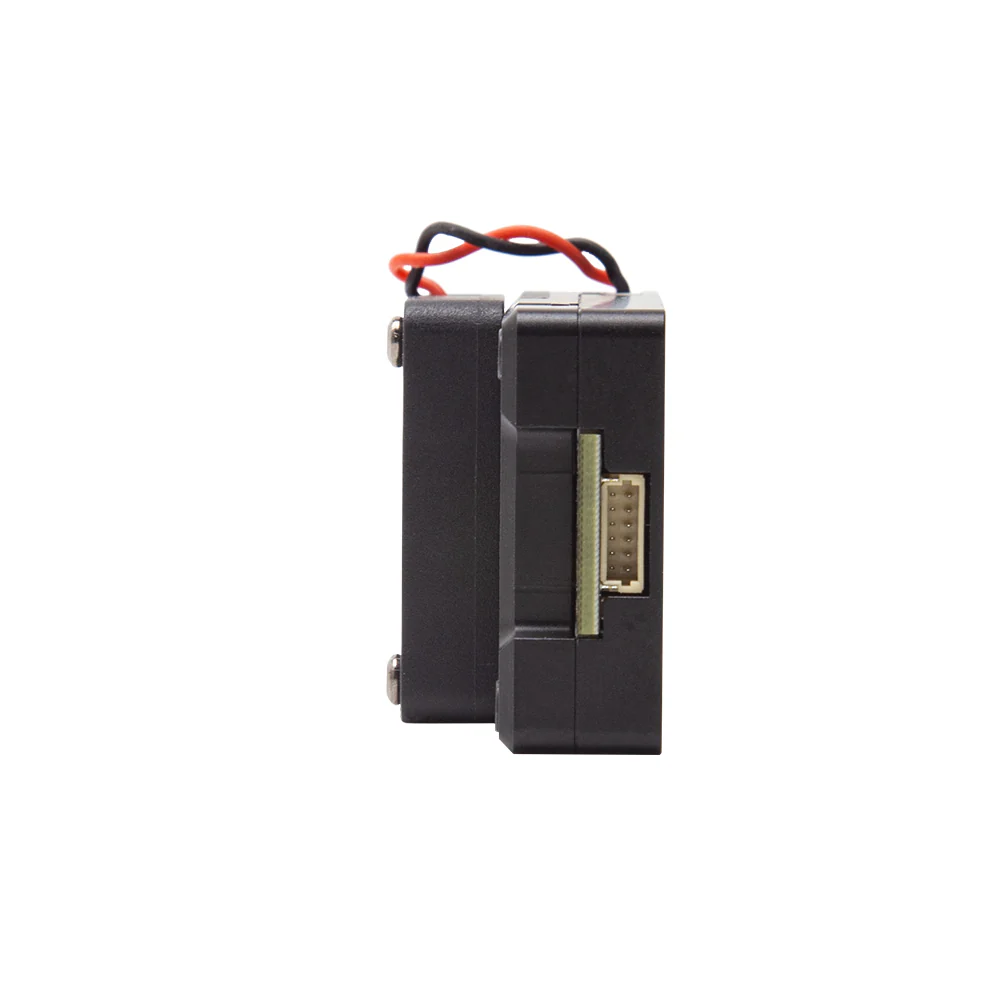
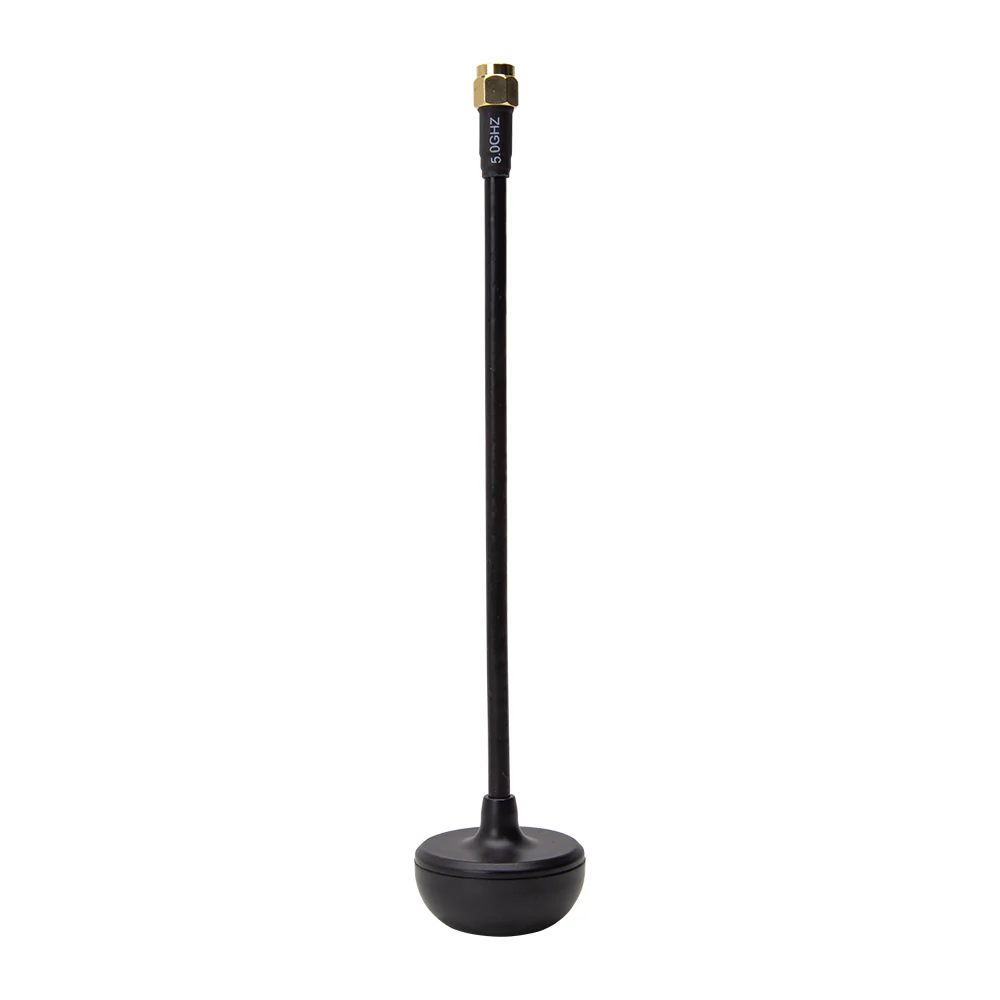
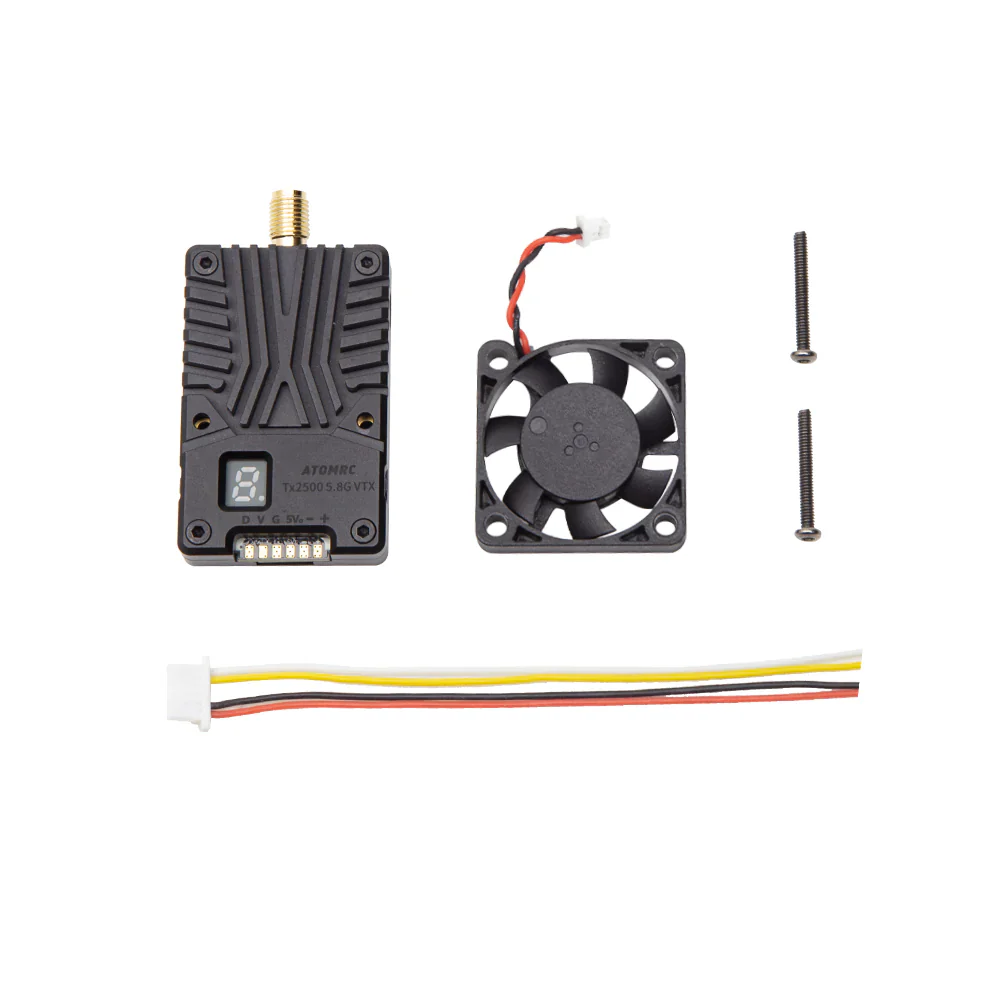
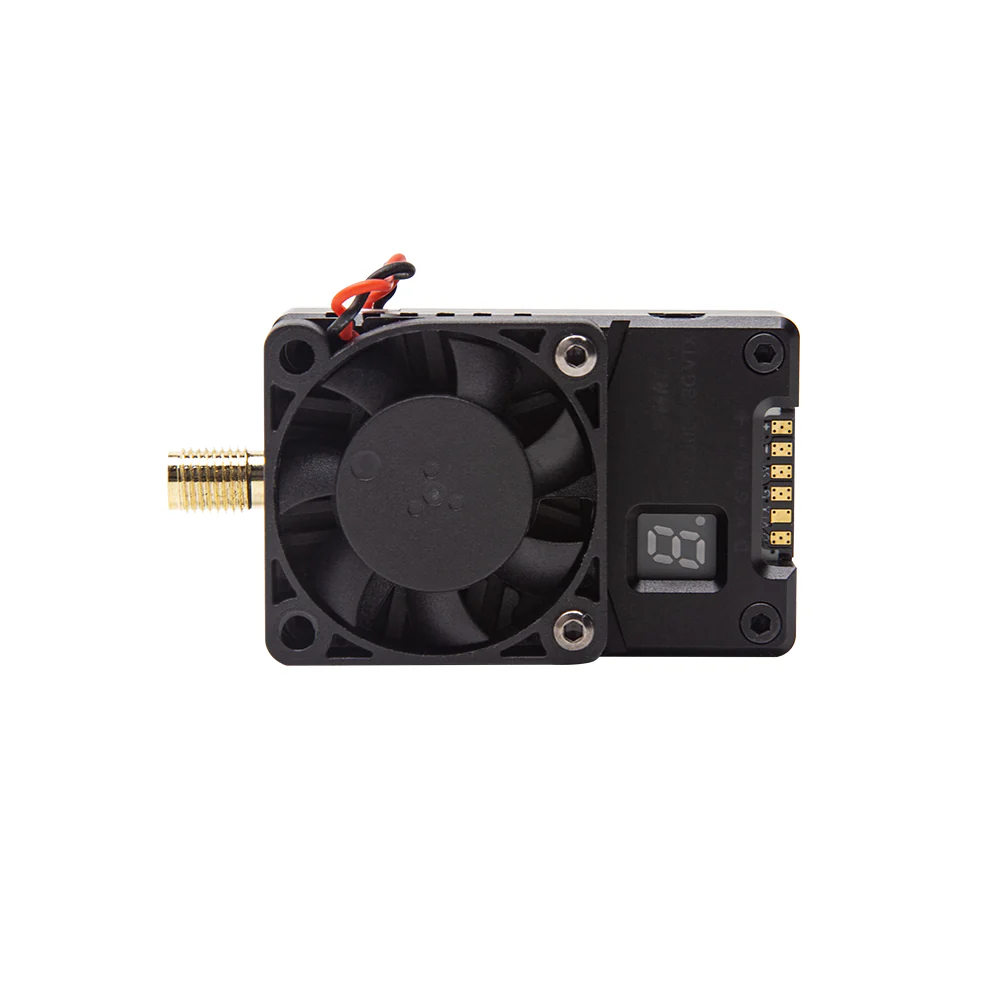
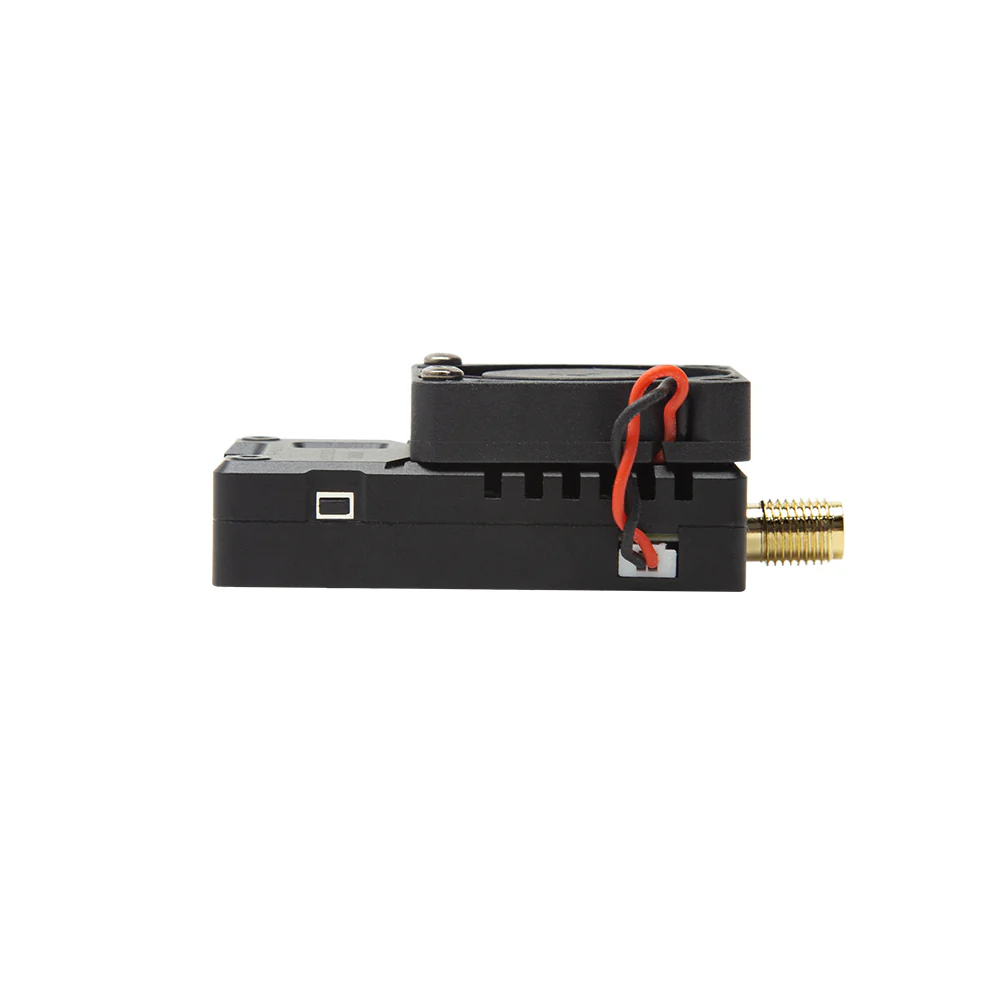
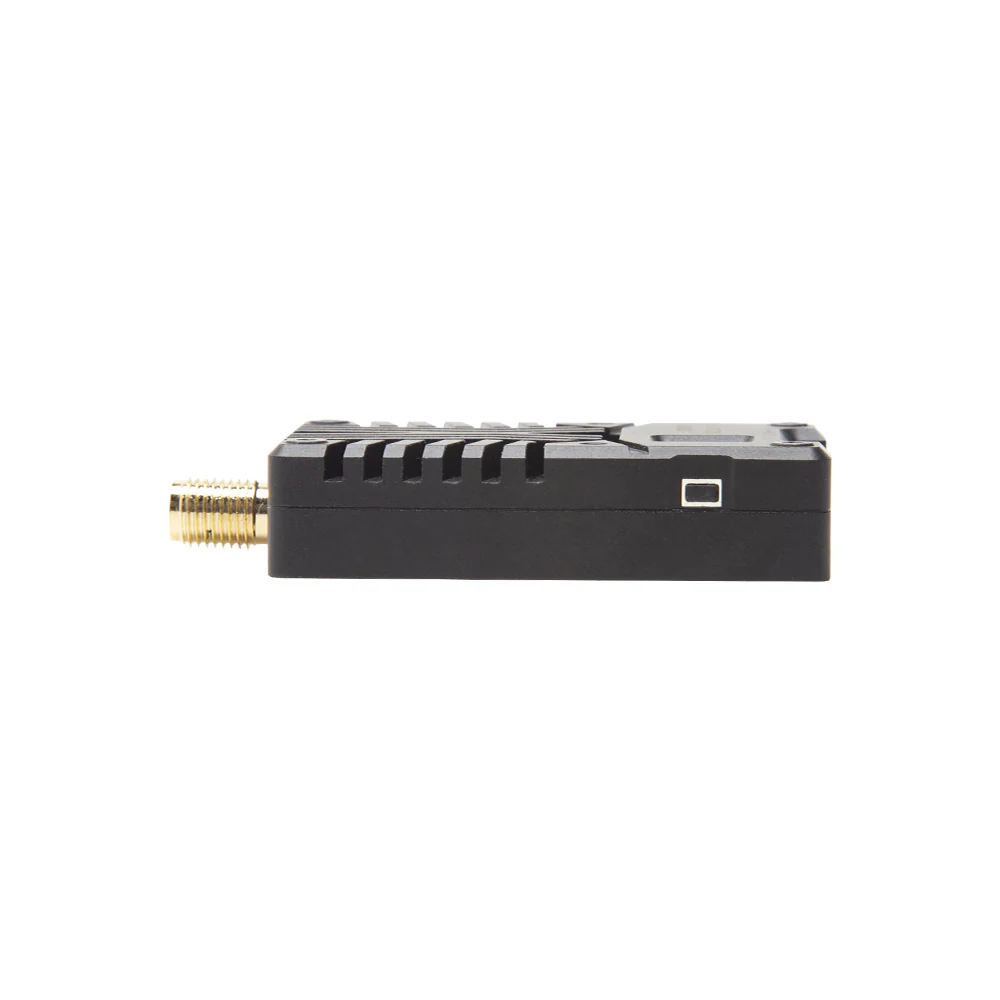
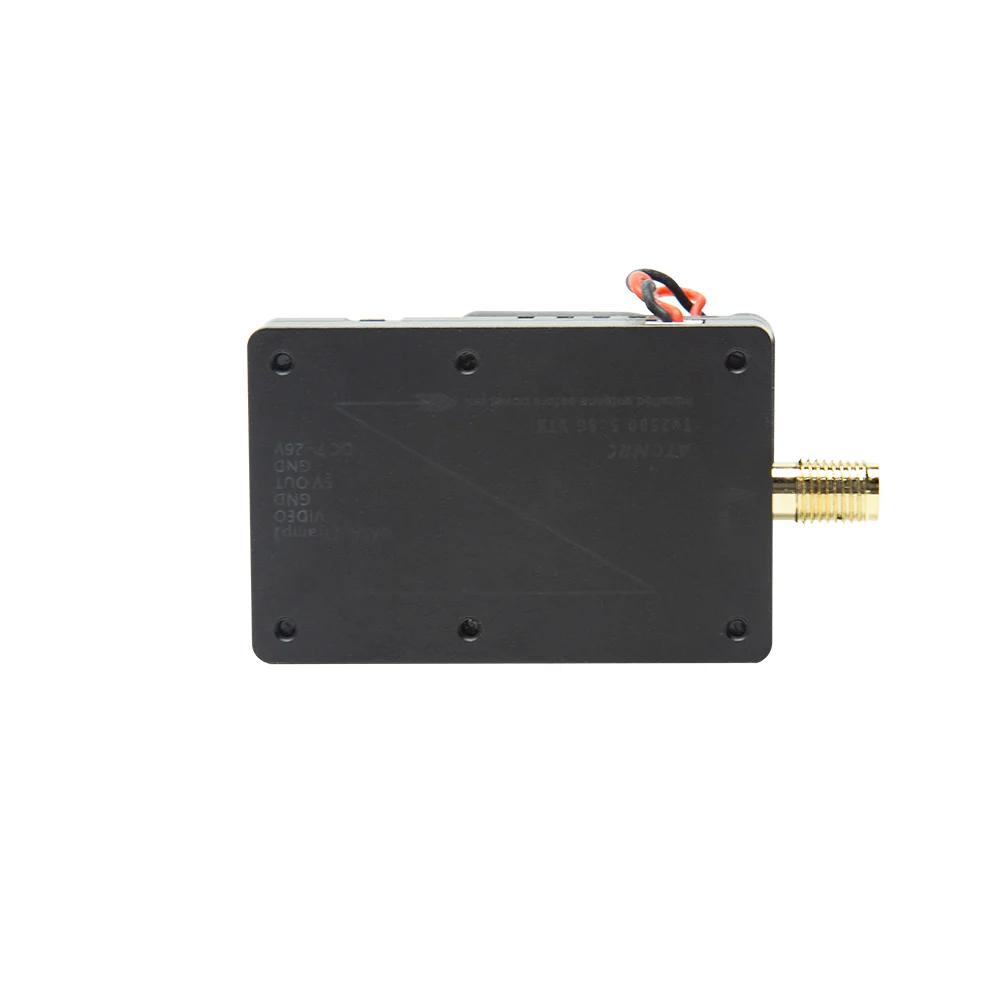
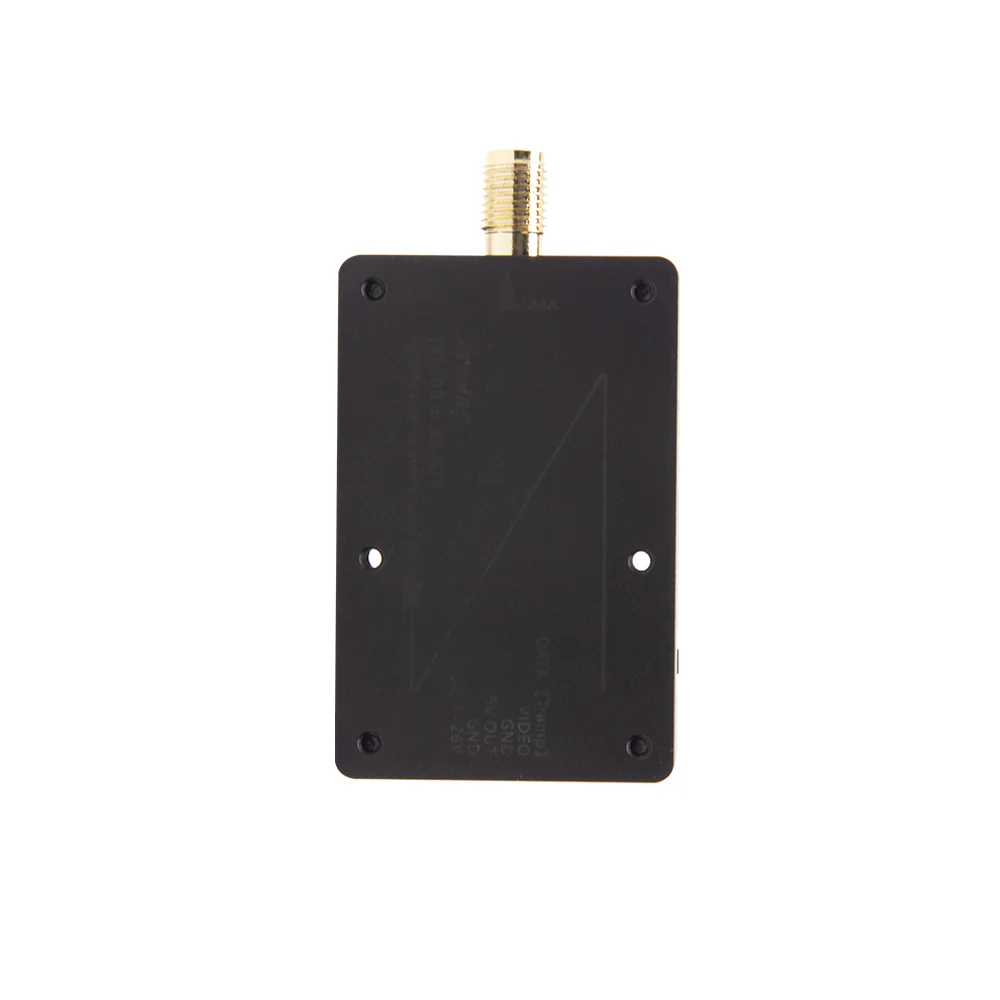
The ATOMRC TX2500 is powerful VTX which have 2.5W Transmitter output and SMA connector, the CNC case and fan can prevent the VTX from overheating and support 5G Hz, LED segment make the VTX easy to set and check the BAND/CH/POWER, and it also supports X Band(5G Hz)Low Band.
Features:
1, Support X Band(5G Hz) and Low Band
2, CNC case and fan to dispatch heat
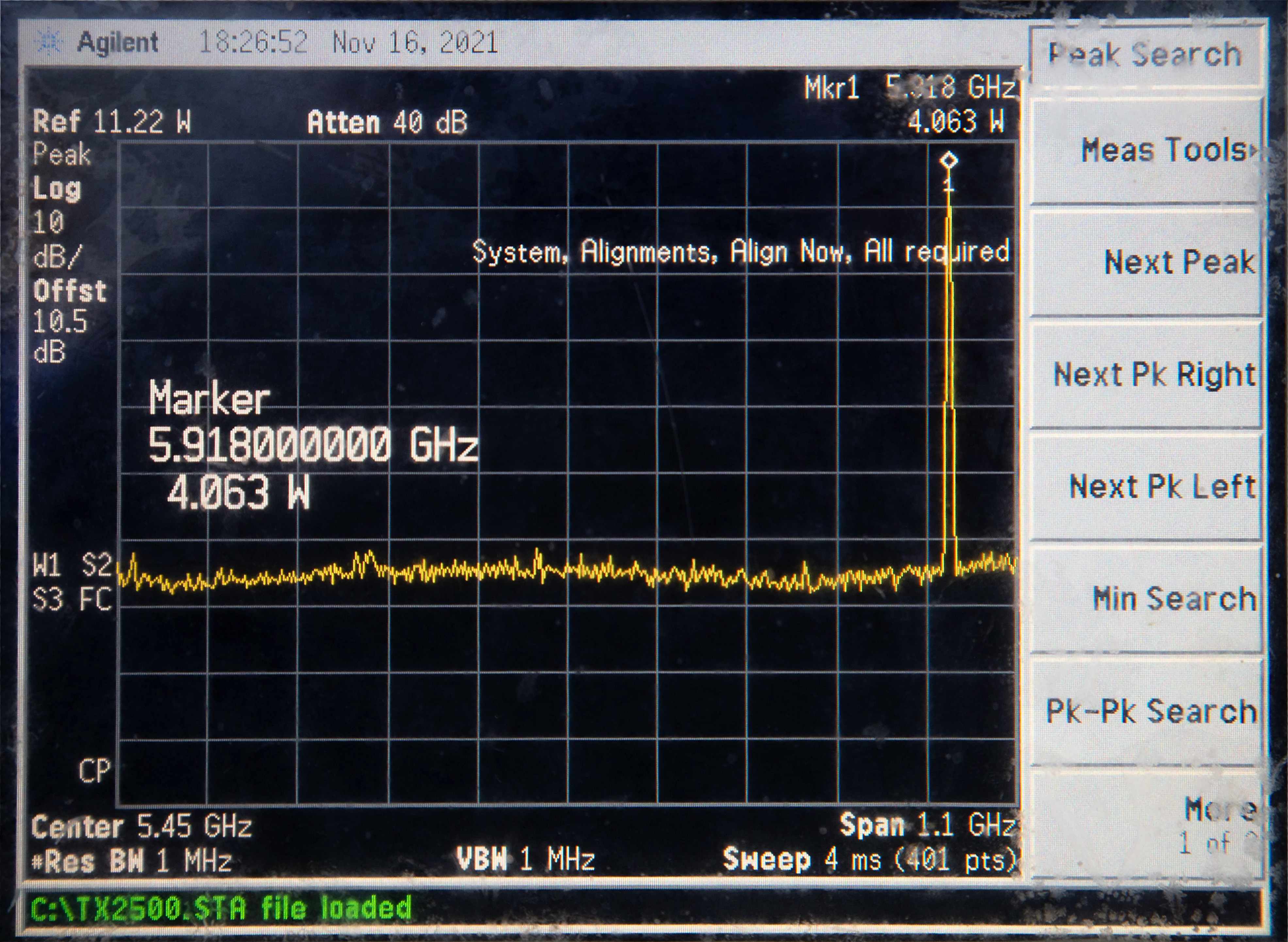
3, 800/1600/2500mW adjustable power output
4, 7-26V Wide Range Voltage input
5, LED Segment Display, easy to check the status of the VTX
6, Button/IRC control, fast to change the CH and Power
How to manually set the VTX
Disable the IRC protocol on betaflight UART tab,
Step 1: press the mode button into BAND setting mode.
Step 2: Under BAND setting mode, short press the set button to change BAND , press the mode button into enter CH setting mode.
Step 3: Under CH setting mode, short press the set button to change CH, press the mode button enter the Power setting mode.
Step 4: Under Power setting mode , short press set button to adjust the power.
Notice!:You can only choose one of the Button mode and the IRC mode. If you use the button mode, you need to turn off the IRC protocol in BF. The LED segment displays the BAND/CH and power in sequence in the button mode, and the frequency and power at IRC mode.


Original: $4.99
-65%$4.99
$1.75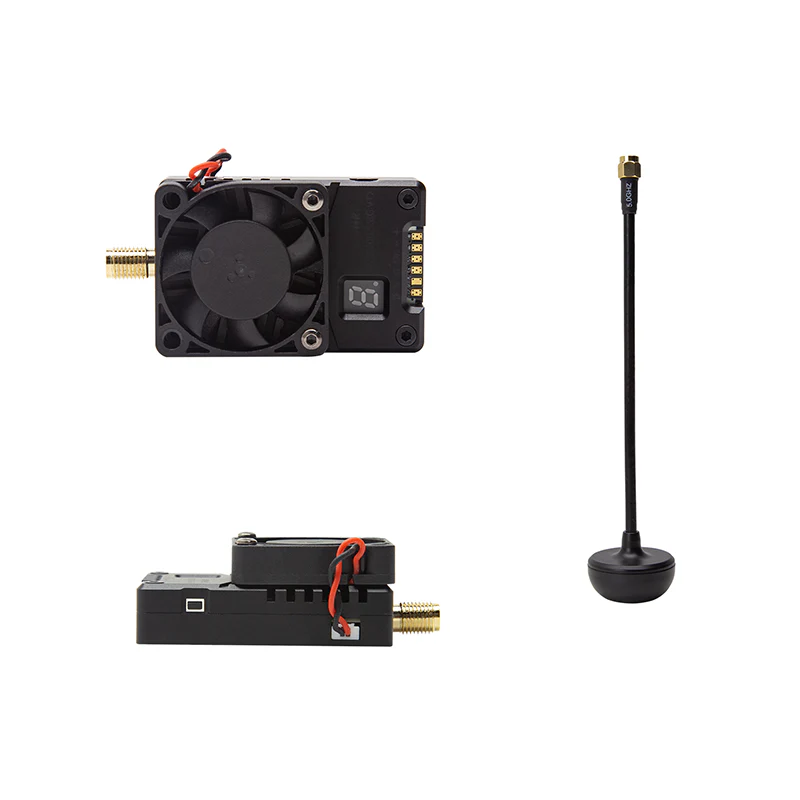
Description
The ATOMRC TX2500 is powerful VTX which have 2.5W Transmitter output and SMA connector, the CNC case and fan can prevent the VTX from overheating and support 5G Hz, LED segment make the VTX easy to set and check the BAND/CH/POWER, and it also supports X Band(5G Hz)Low Band.
Features:
1, Support X Band(5G Hz) and Low Band
2, CNC case and fan to dispatch heat
3, 800/1600/2500mW adjustable power output
4, 7-26V Wide Range Voltage input
5, LED Segment Display, easy to check the status of the VTX
6, Button/IRC control, fast to change the CH and Power
How to manually set the VTX
Disable the IRC protocol on betaflight UART tab,
Step 1: press the mode button into BAND setting mode.
Step 2: Under BAND setting mode, short press the set button to change BAND , press the mode button into enter CH setting mode.
Step 3: Under CH setting mode, short press the set button to change CH, press the mode button enter the Power setting mode.
Step 4: Under Power setting mode , short press set button to adjust the power.
Notice!:You can only choose one of the Button mode and the IRC mode. If you use the button mode, you need to turn off the IRC protocol in BF. The LED segment displays the BAND/CH and power in sequence in the button mode, and the frequency and power at IRC mode.